
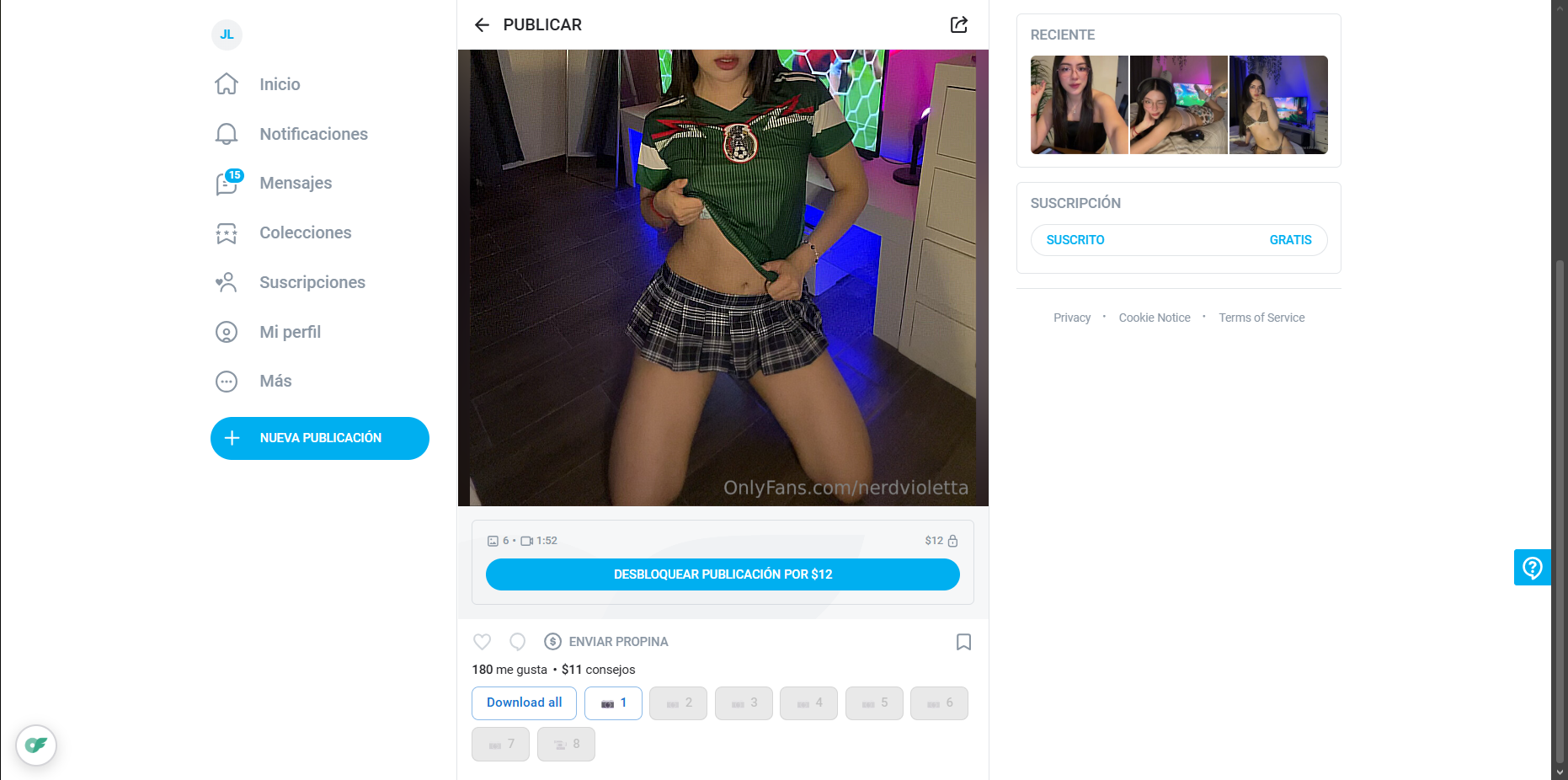
Download photos
Save photos from the feed and creator profiles with one click.
Chrome extension · $12 one-time license
OnlyFans Downloader is a simple browser extension that lets you save photos and videos directly from OnlyFans. One click. Stored locally. Organized by creator.
Chrome Web Store is 18+. Sign in to your Google account first, then open the listing — it will not show while you are logged out. License checkout on Ko-fi accepts credit/debit cards and PayPal.
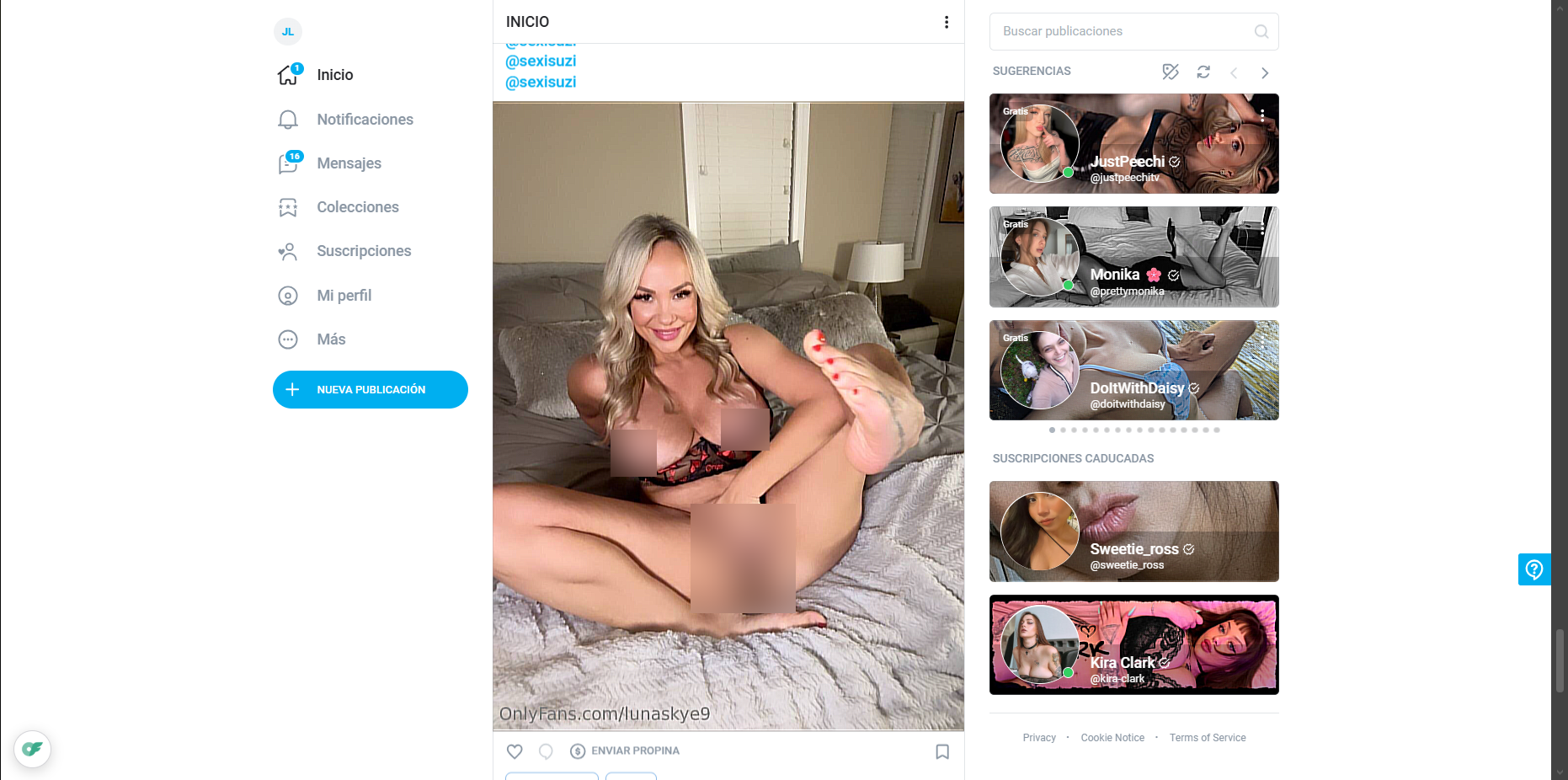
Features
Save media you already have access to — from the feed, profiles, and chats — without leaving the page.
Save photos from the feed and creator profiles with one click.
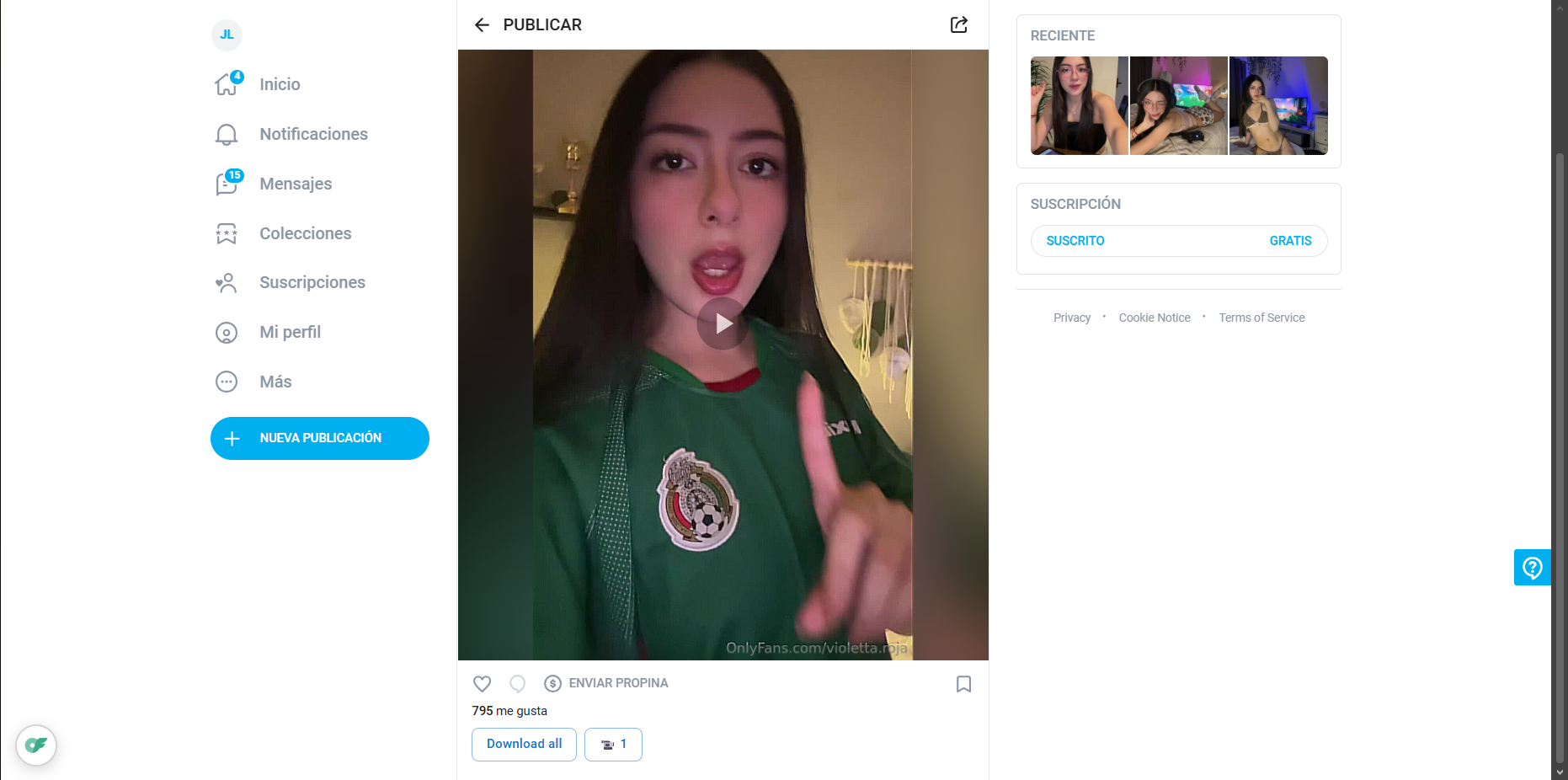
Videos from the feed and profiles can be saved when they are not DRM-protected. Install the extension and open the post to check compatibility.
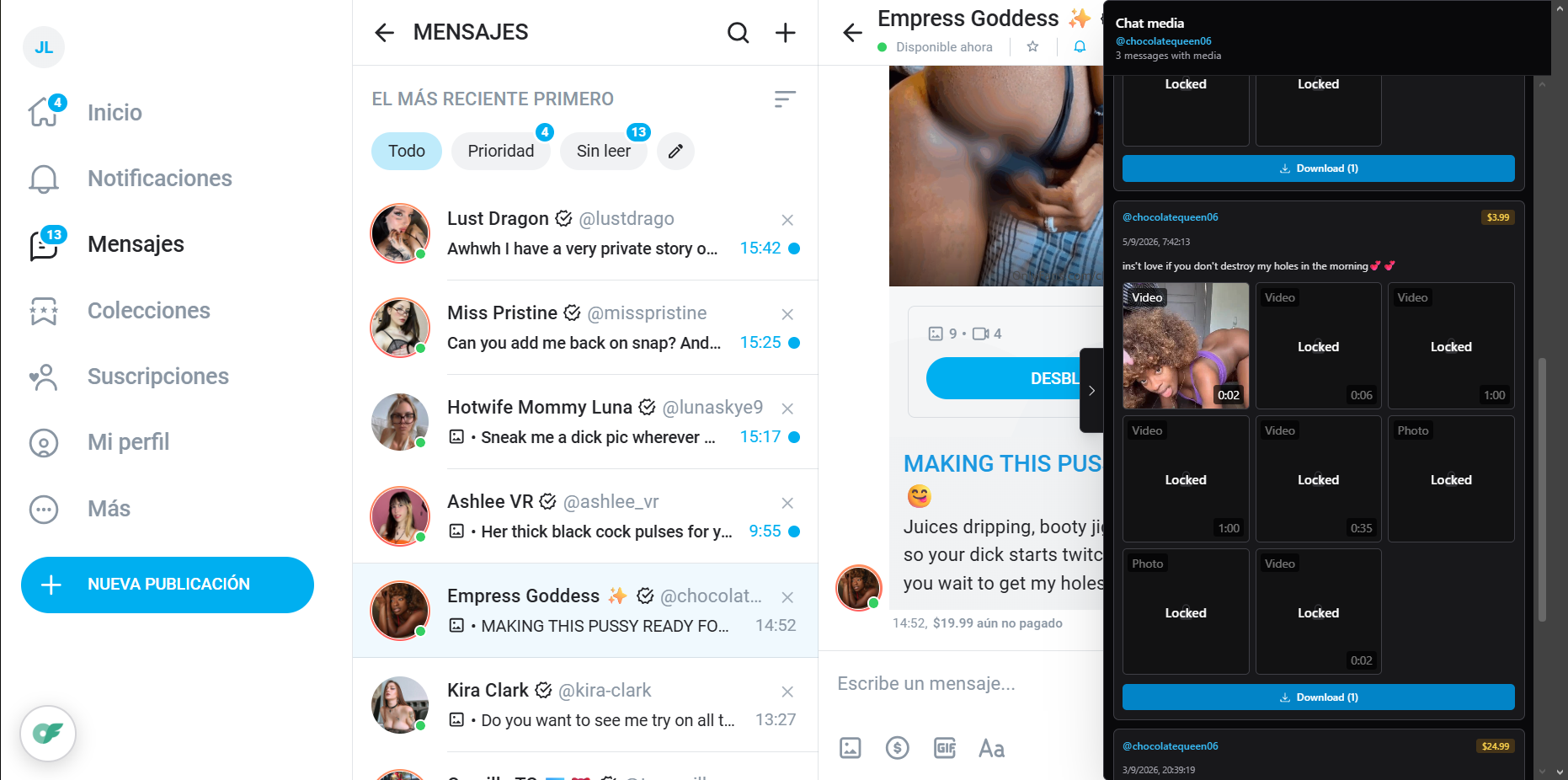
Download photos and videos sent in your conversations.
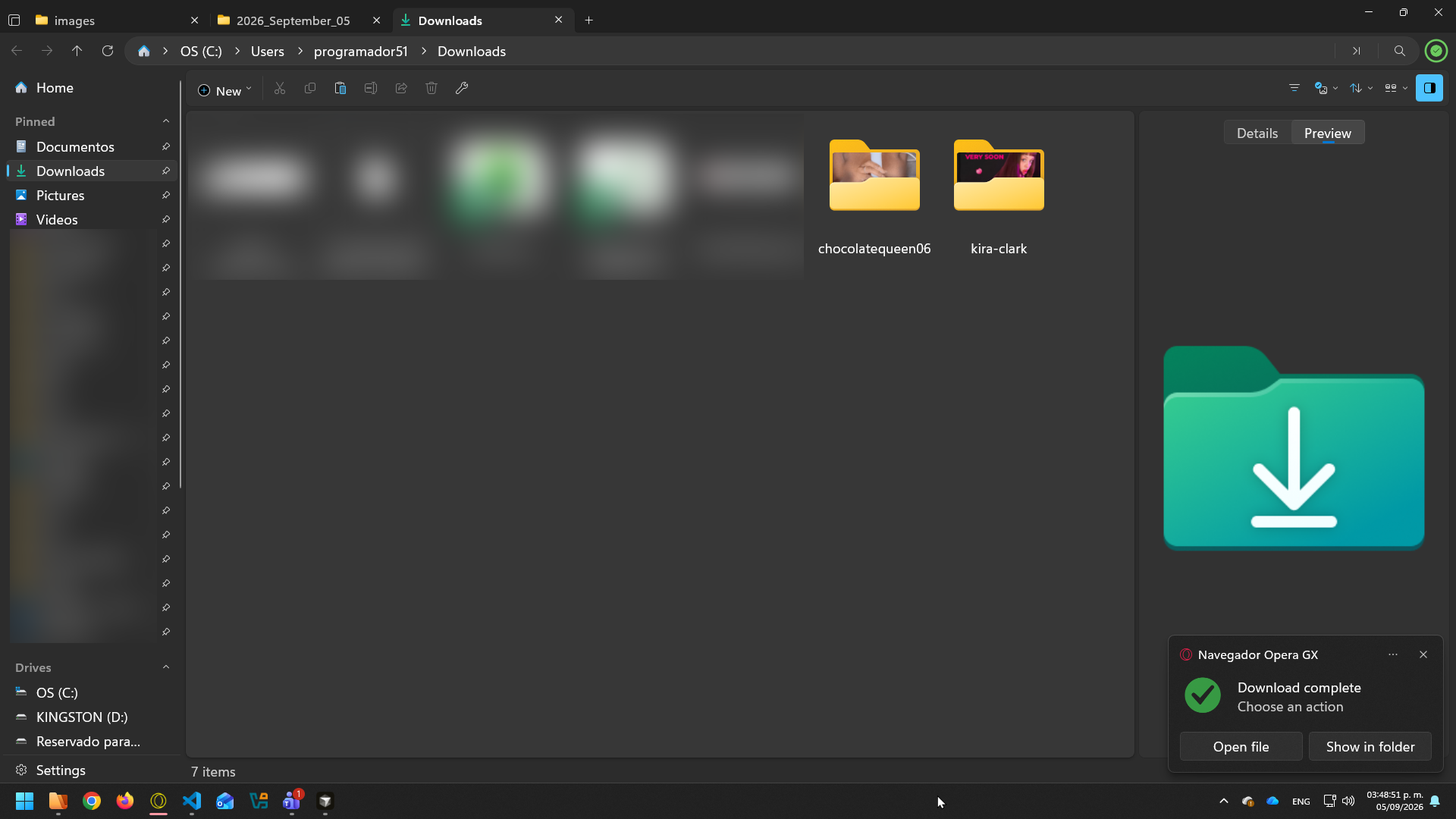
Files are grouped automatically by content creator so backups stay tidy.
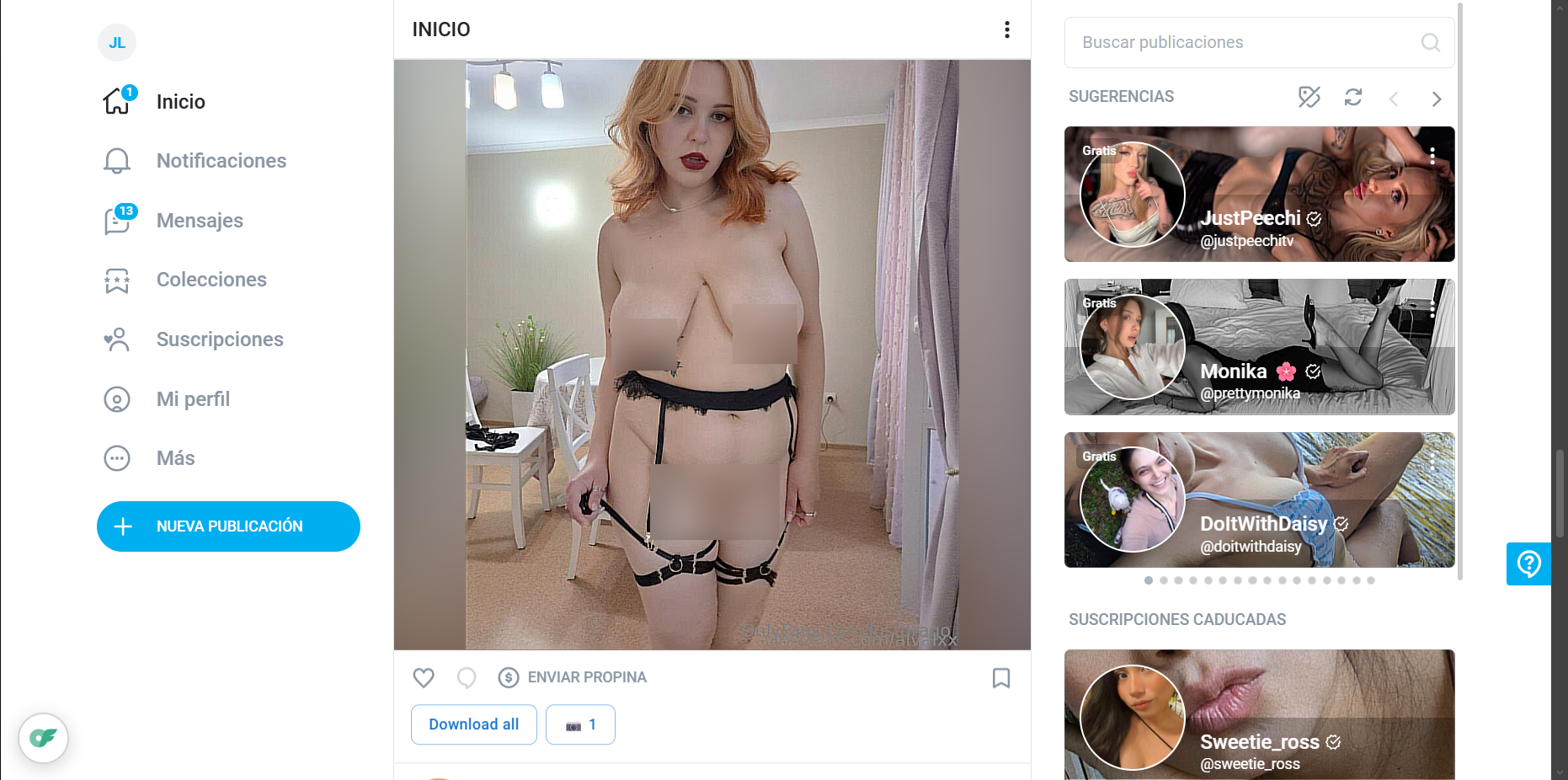
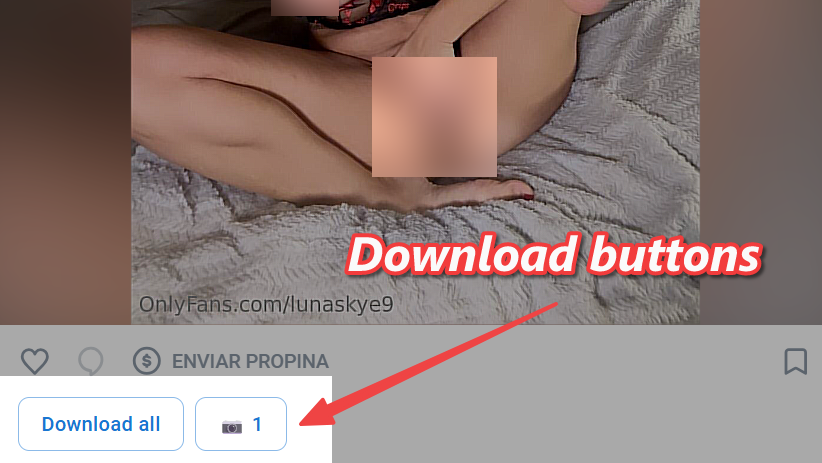
One-click download controls sit directly on OnlyFans, where the media already is.
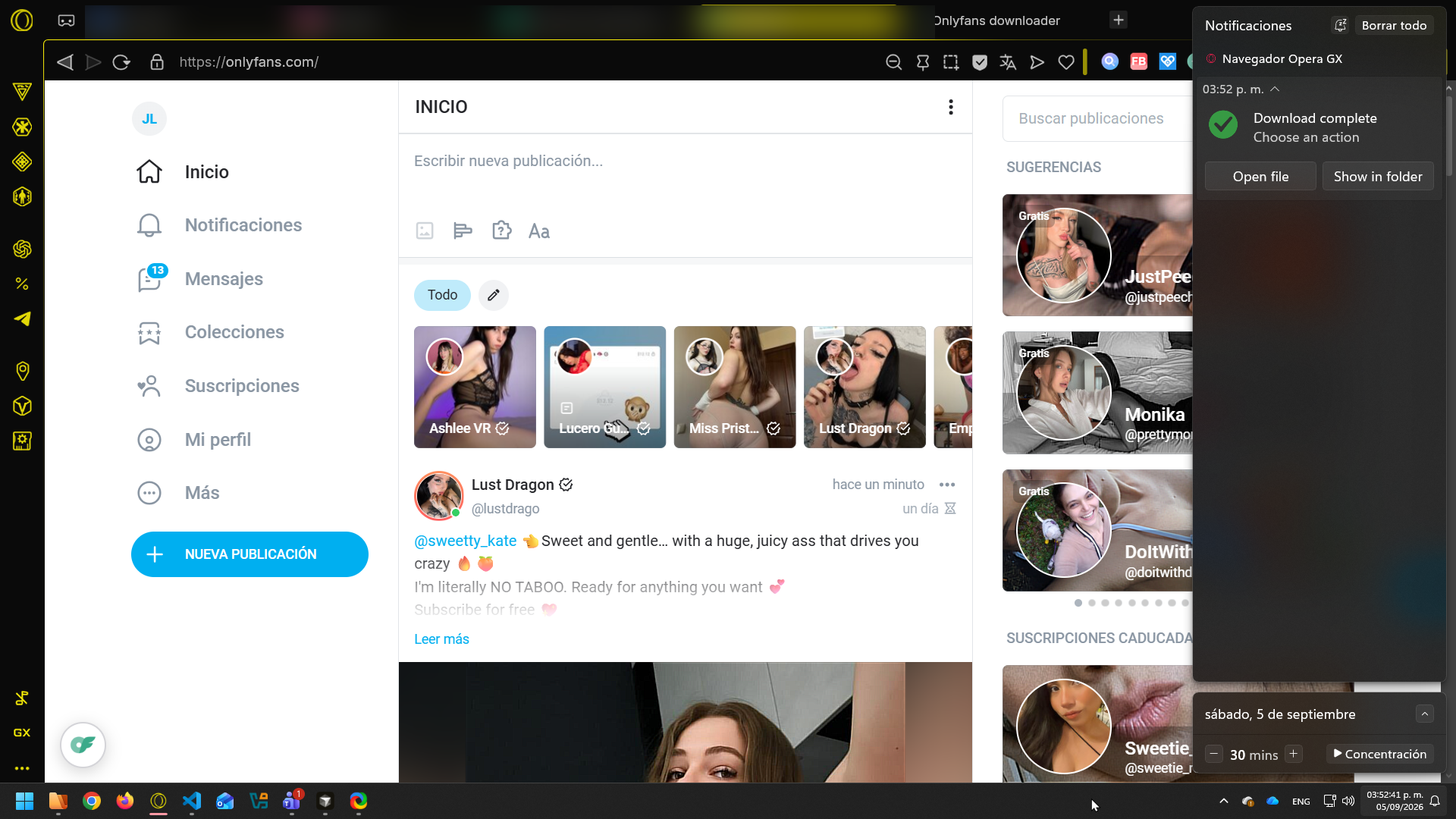
Jump straight to a downloaded file, or reveal it in your folder.
How it works
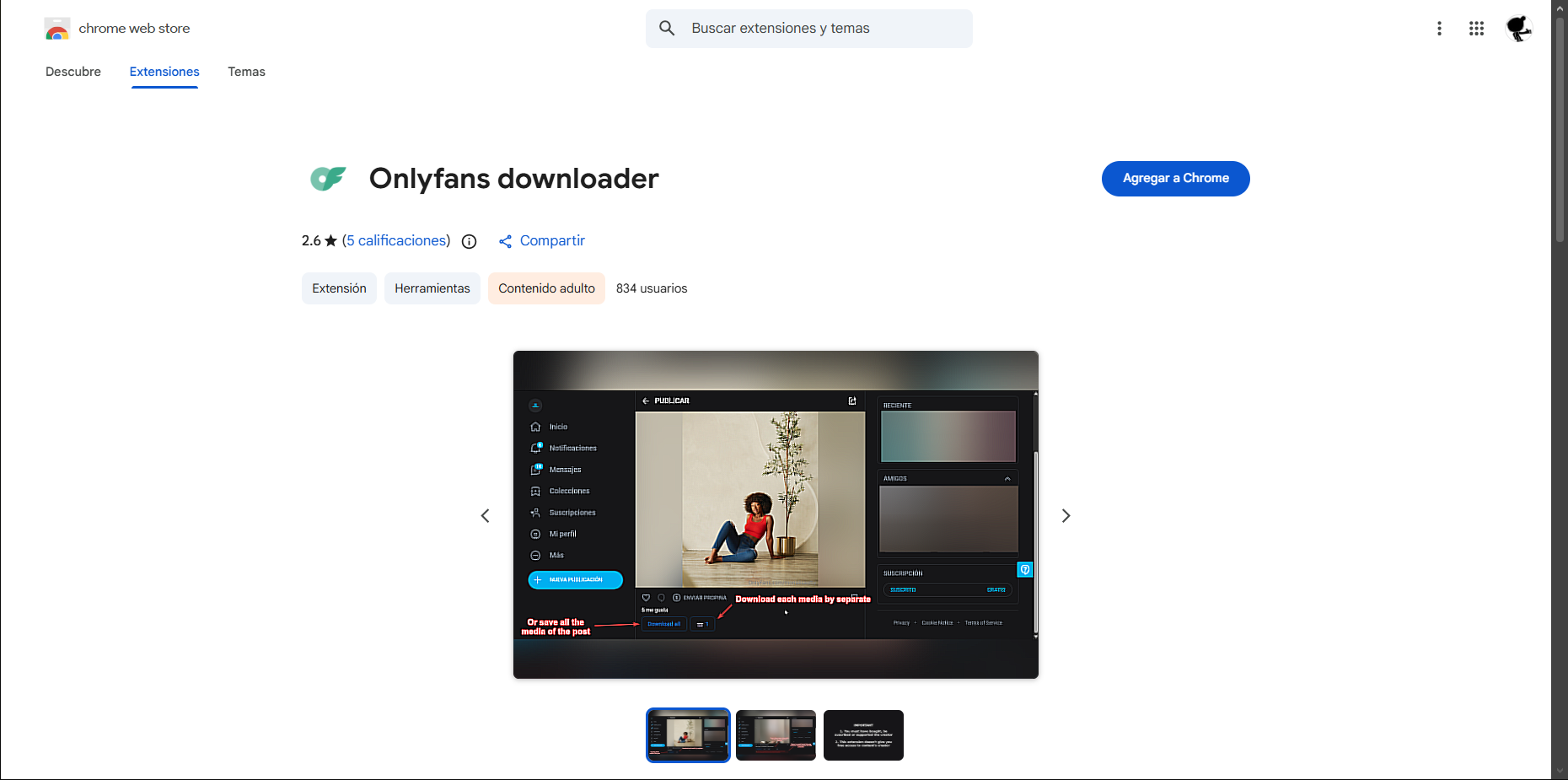
01
Open the Chrome Web Store while signed in to your Google account, then add the extension. The listing is 18+ and will not load if you are logged out.
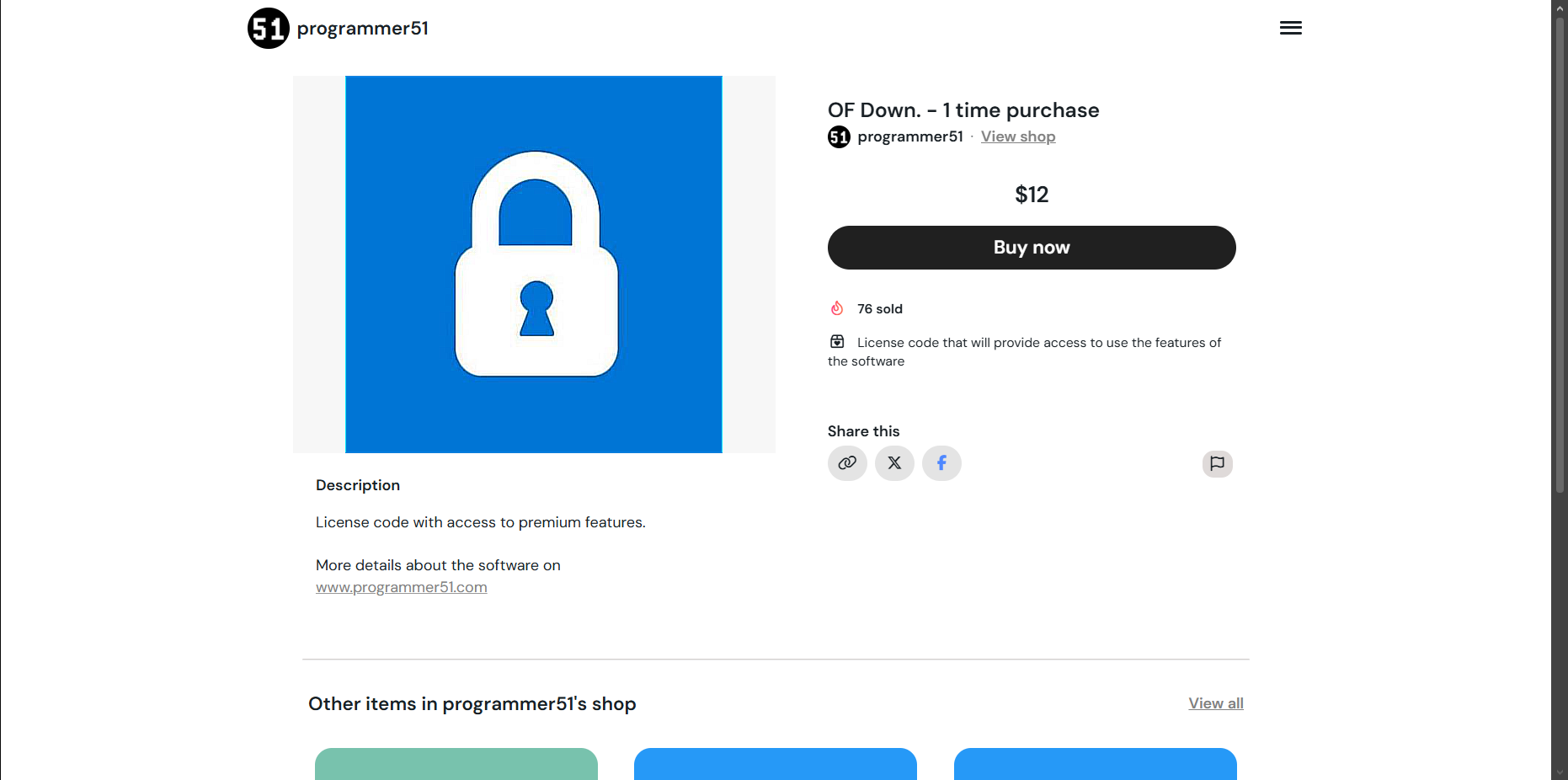
02
Pay once — $12 — and enter your license code in the extension. If the email never arrived or the code was lost, retrieve it at programmer51.com/donations with the purchase email.
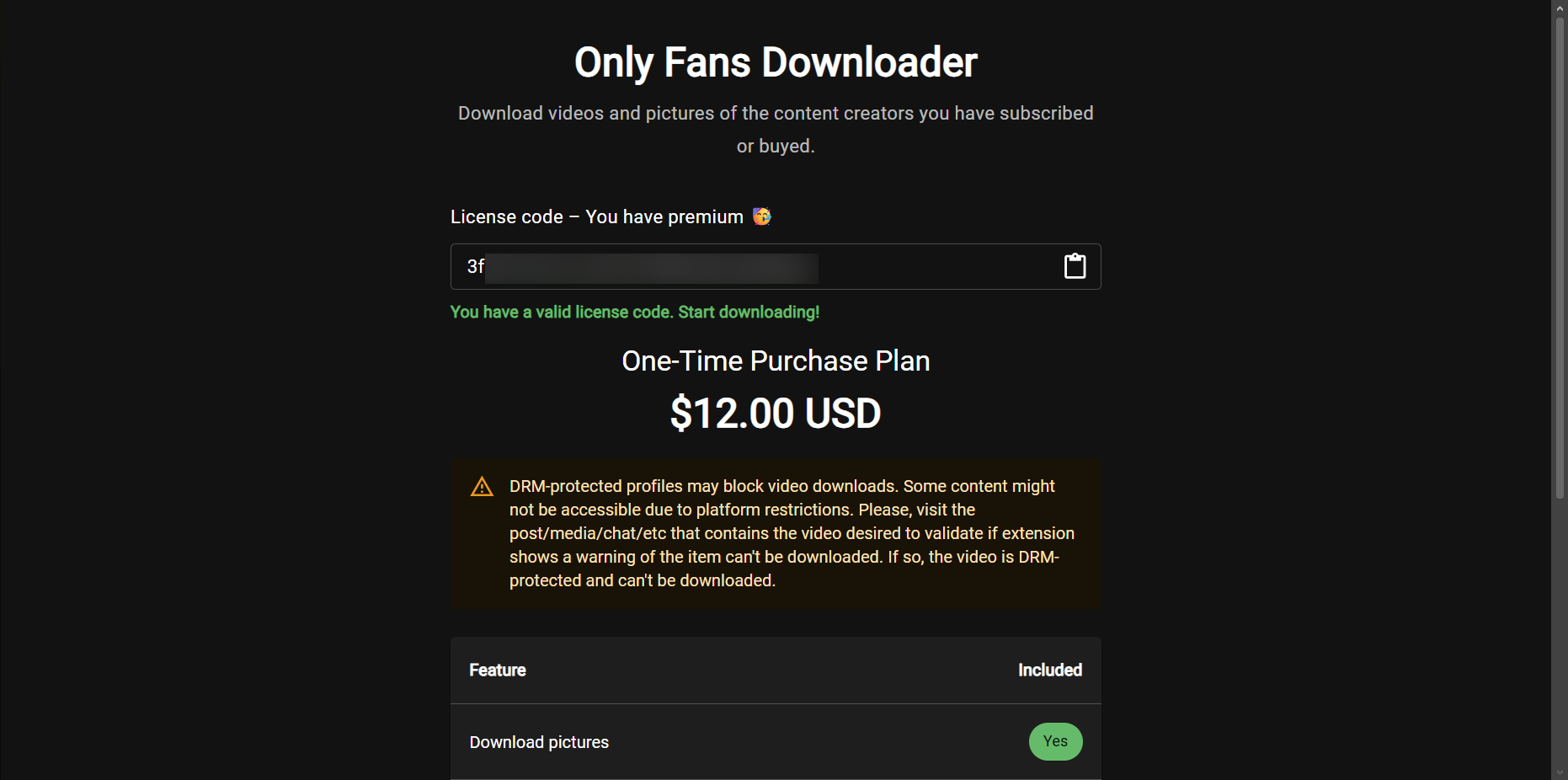
03
Browse posts you own and save photos, videos, and chat media locally.
Pricing
$12 USD on Ko-fi unlocks the extension. Pay once with a credit/debit card or PayPal. Enter the license code in the extension and keep using it — no subscription.
If the purchase email was not delivered or you lost the code, go to programmer51.com/donations and type the same email you used on the purchase. Your license code will be sent again.
Important notice
Some videos cannot be downloaded because of DRM (Digital Rights Management). Those are protected streams enforced by the platform. No extension — or native app, to our knowledge — can bypass that limit. When it happens, the extension tells you. It can affect some profiles, not all of them.
To download media, you must own it: subscribed to the creator or by buying the PPV. This tool does not bypass paywalls. Piracy is not promoted.
Privacy
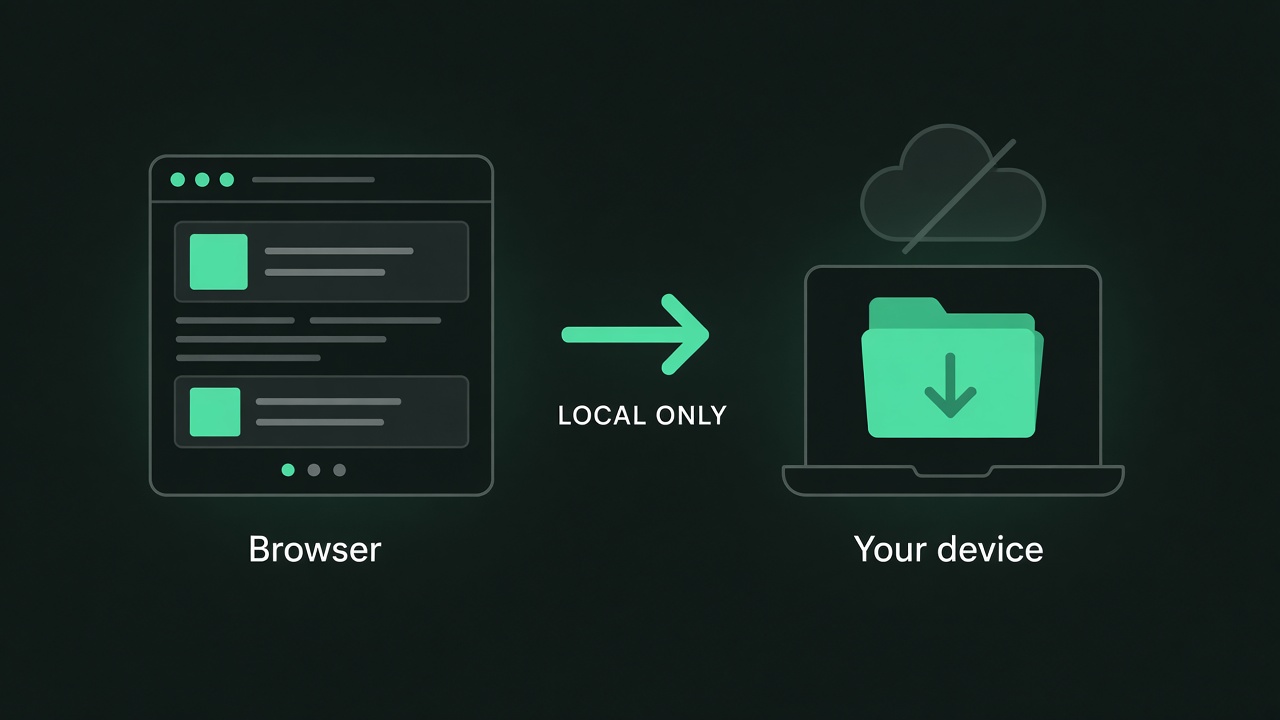
This extension does not collect, store, or share any personal data. Downloads and license checks happen locally on your machine.
Use case
Hold a local copy of posts and PPV you already paid for.
Watch and browse saved files without opening the site.
Creator-based folders beat hunting through the feed later.
Roadmap
Age verification
This page promotes an 18+ browser extension. Confirm your age to continue.